Relay, the agent built into Requestr
Open a tab.
Tell the agent what you need.
Requestr is an API client that runs in your browser, with no account and nothing to install. Relay is built into it and can do whatever you can do by hand: build requests, chain them, run them and write the tests.
- no sign-up
- no install
- runs in the browser
- open source
Relay
Review for me
Set up login and fetch the current user for the DummyJSON API
Working…
Before you ask
Nothing between you and the first request.
account: none
No sign-up.
There is no sign-up form. Open /app and start working. Relay works without an account too, and there is no API key to bring.
install: none
No install.
It is a web page. No desktop download and no CORS extension: requests go through a stateless proxy that only forwards them.
storage: this browser
Runs in the browser.
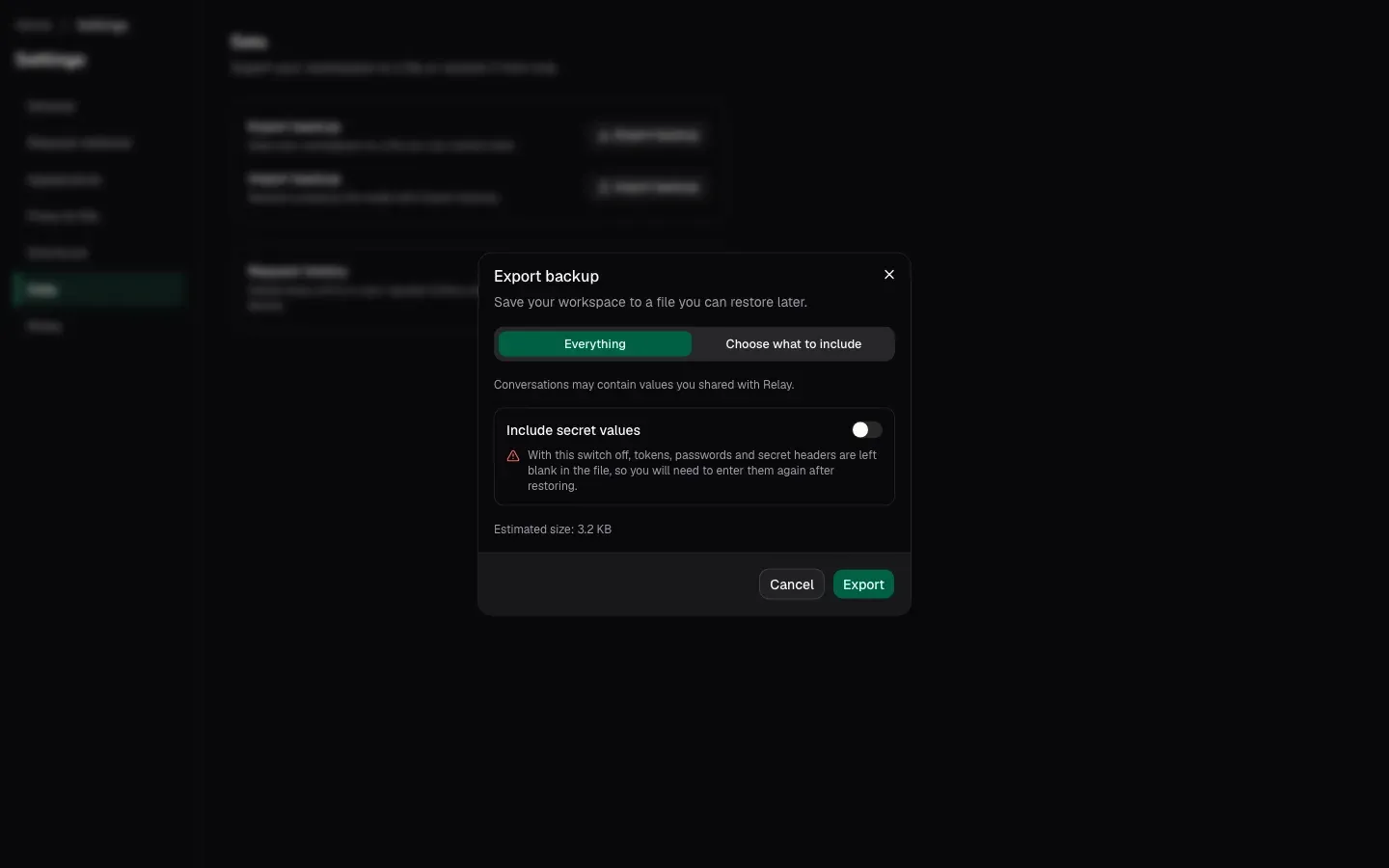
Collections, history and environments are stored in IndexedDB on this machine. Export one backup file when you want to move them.
Relay
An AI built into the app. It does what you do.
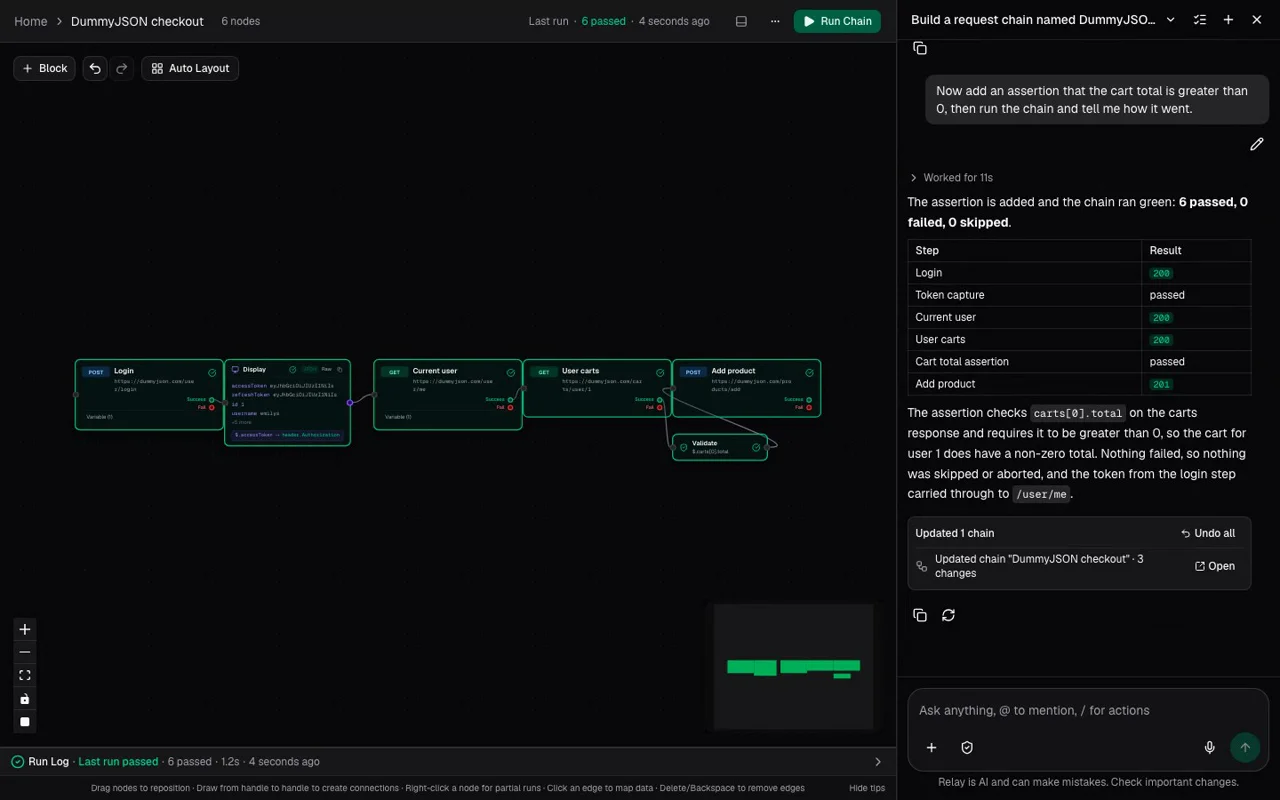
Ask in plain words and Relay works inside your collections, the same way you would: it edits requests, runs them and checks the results. You review each change before it lands.
What Relay can do
One text box. The whole client.
Relay does not answer in a side chat and leave the clicking to you. It works in your workspace with the same actions you have, and lists every step as it goes.
Look through your workspace and explain what is there.
Try asking
Why is Get user cart returning 401?
Why is Get user cart returning 401?
It reads the request before it guesses.
Relay reads the request, its last response and the environment, then says why: token has no value. It offers to chain Login first, so the next run goes out authorized.
401 Unauthorized then 200 OK
Approvals and undo
It asks before it sends. You can undo the rest.
You choose how often Relay stops to ask. Whatever it changes is listed in the conversation, with an Undo next to it.
Relay stops for 5 of 8 of these
- Read a request to explain itGoes ahead
- Rename a collectionGoes ahead
- Add a header to one requestGoes ahead
- Edit 25 requests at onceWaits for your Approve
- Write a test scriptWaits for your Approve
- Send a requestWaits for your Approve
- Delete a collectionWaits for your Approve
- Export a backup fileWaits for your Approve
Undo any change
Every change Relay makes is listed in the conversation. Use Undo on a change to put it back.
What Relay can see
- The names of your requests, collections, environments and variables, plus the request or chain you have open.
- Variable values, only when you turn on Share variable values.
- Secret values, never.
Conversations are stored on this device. Your messages and the context above are sent to the Relay service to produce a reply.
Command palette
Do anything from one keystroke.
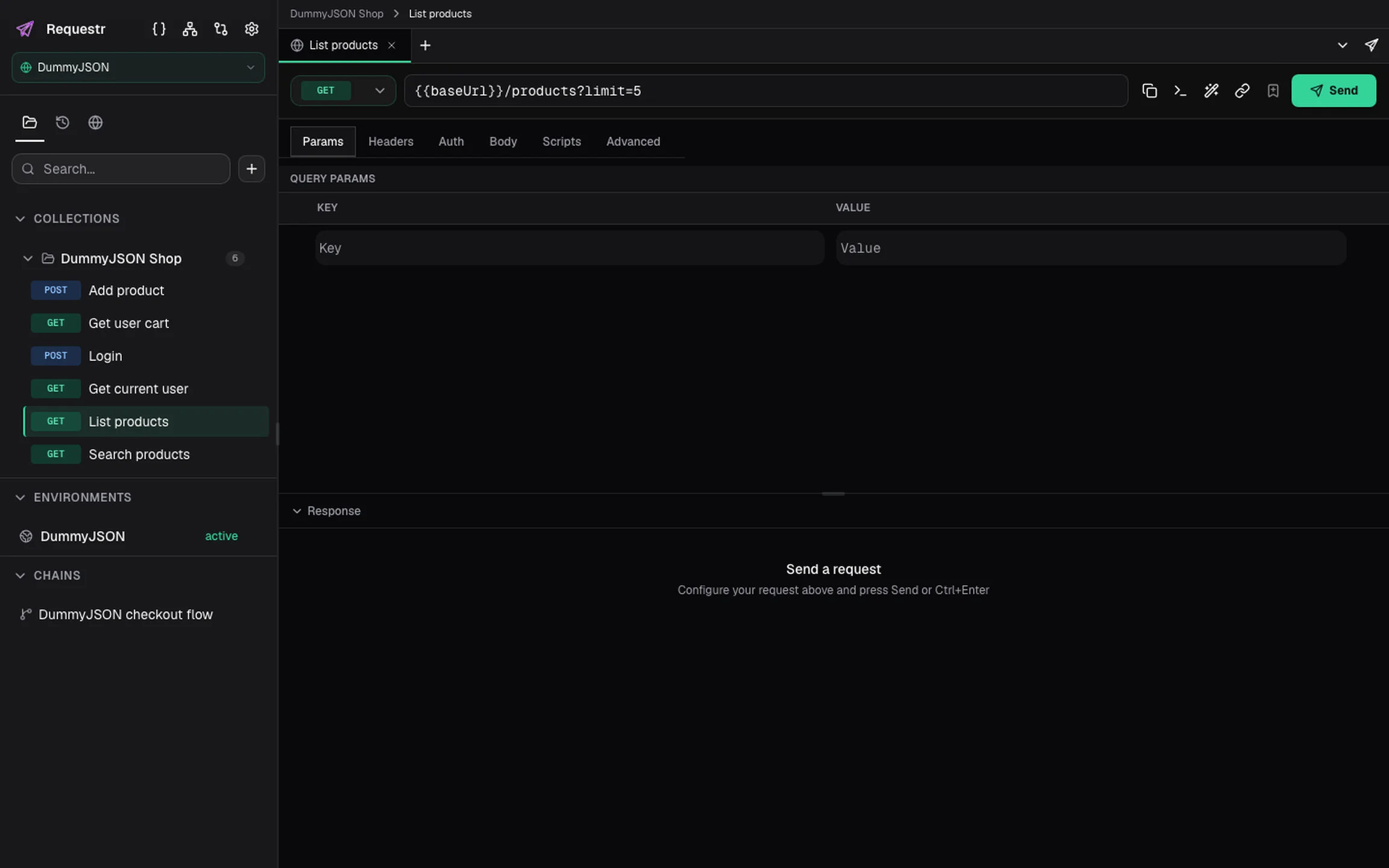
Press the shortcut and type a few letters. Saved requests, recent history and the app's actions are all in one list, so you can get around without reaching for the mouse.
⌘Kon macOS, Ctrl K everywhere else
- Jump to a request
- Type part of its name and press Enter. It opens in a tab.
- Run an action
- New Request, Import Collection, Manage Environments, Open Settings, Transform Playground and Compare JSON.
- Reopen something recent
- Your latest history entries are in the same list.
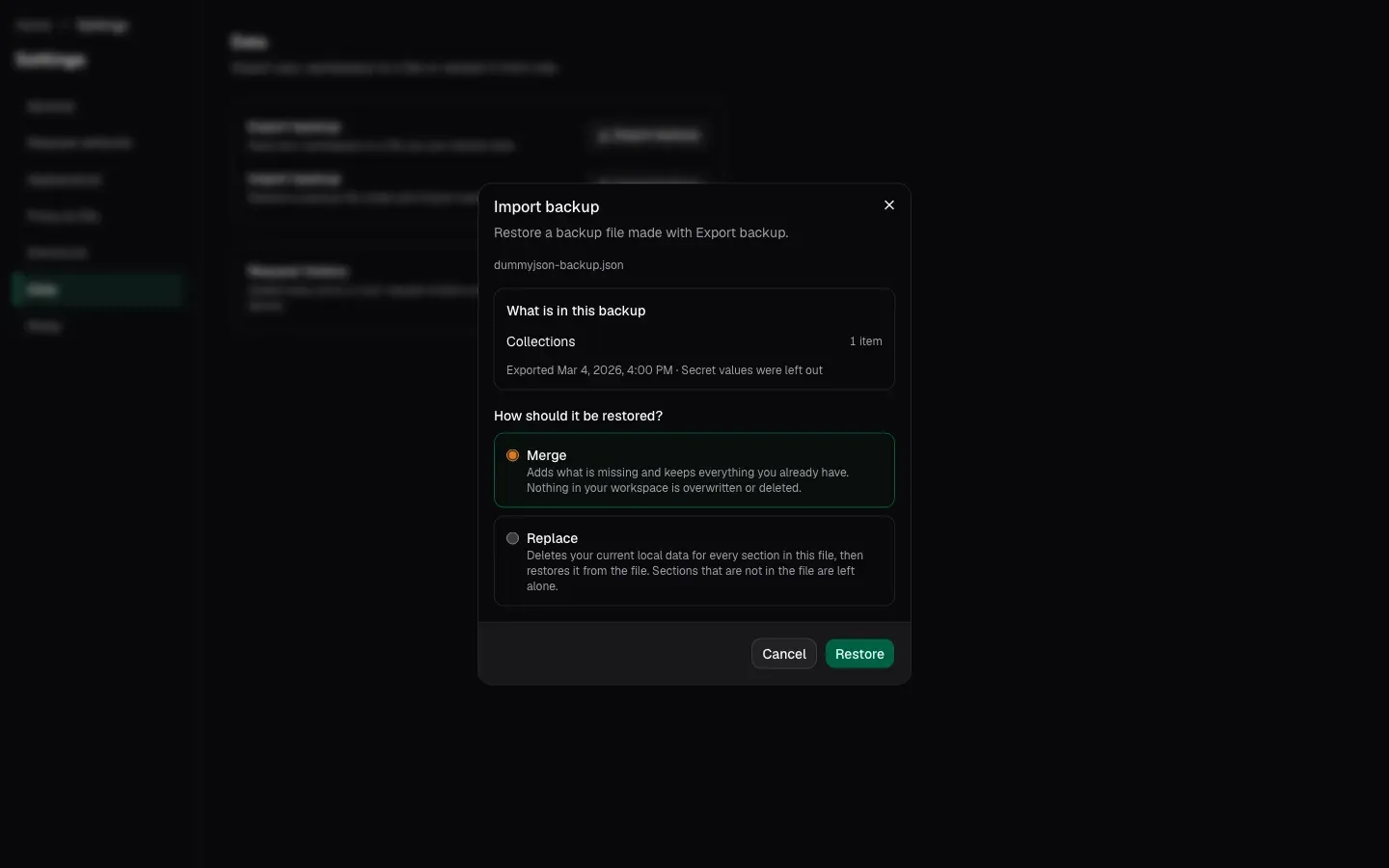
Import and backup
Bring what you have. Keep what you build.
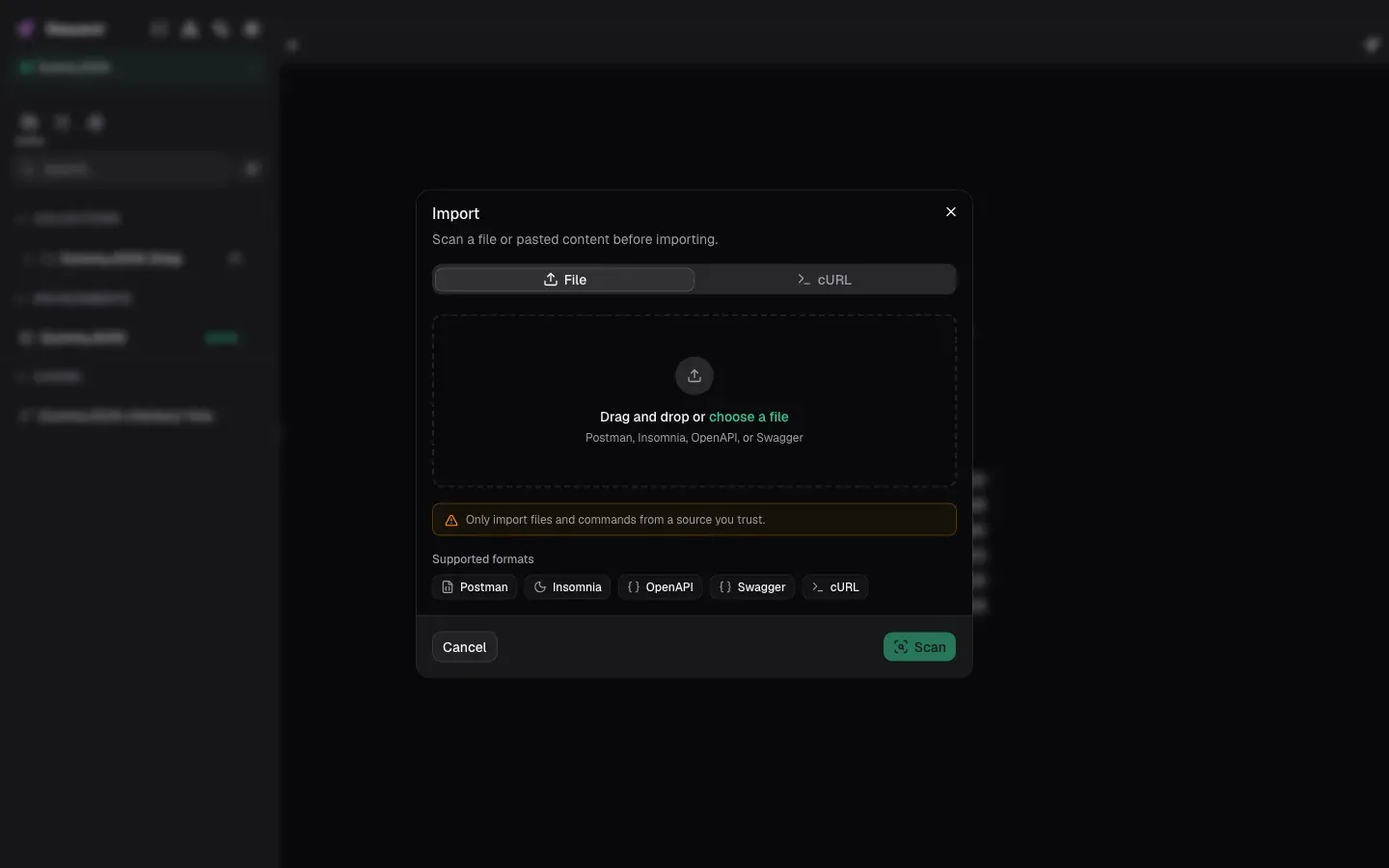
- cURL
- Postman v2.1
- Insomnia
- OpenAPI 3
- Swagger 2
The rest of the client
Everything Relay uses, you can use by hand.
Relay is one way in. The same tools are in the app for when you would rather do it yourself.
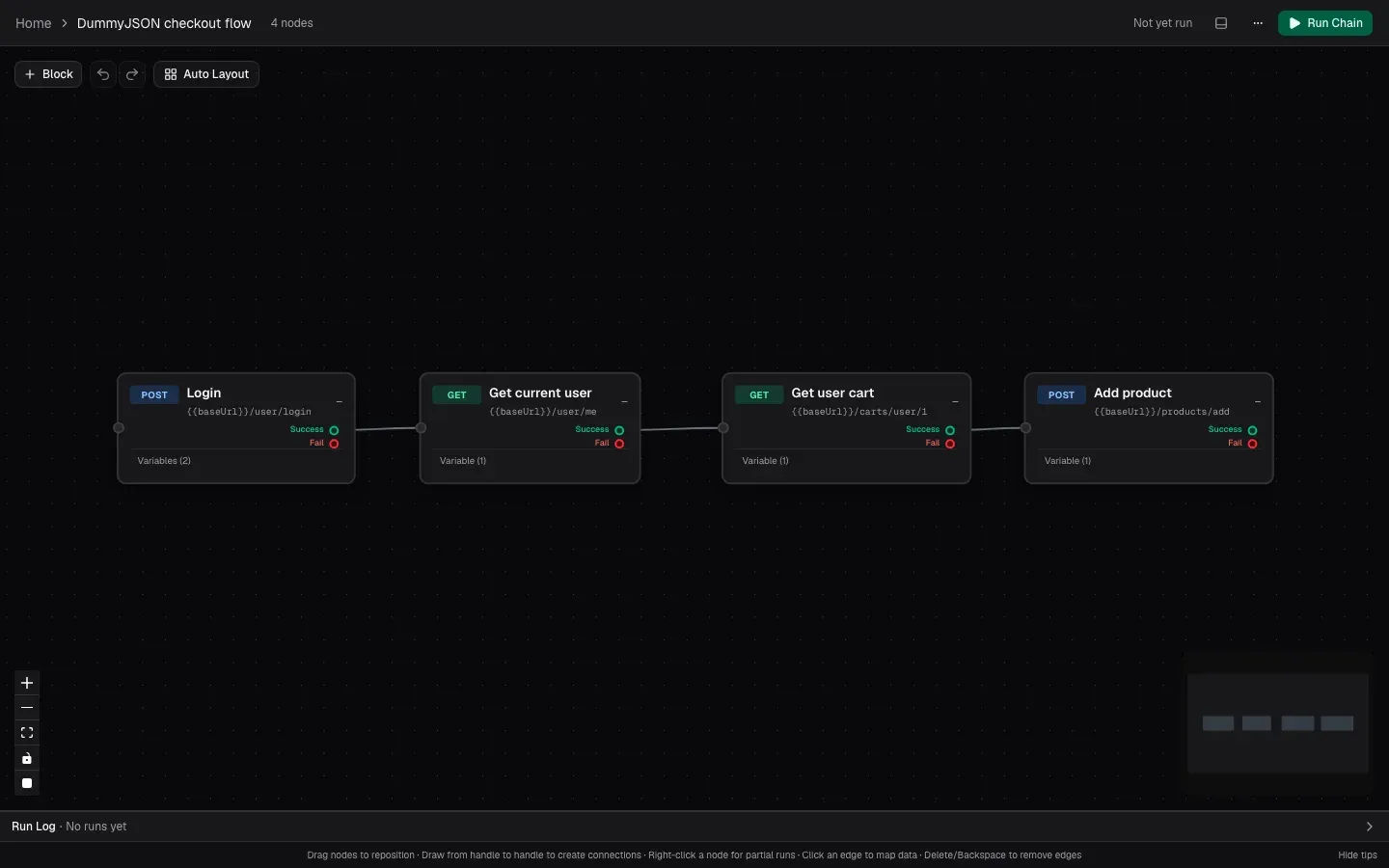
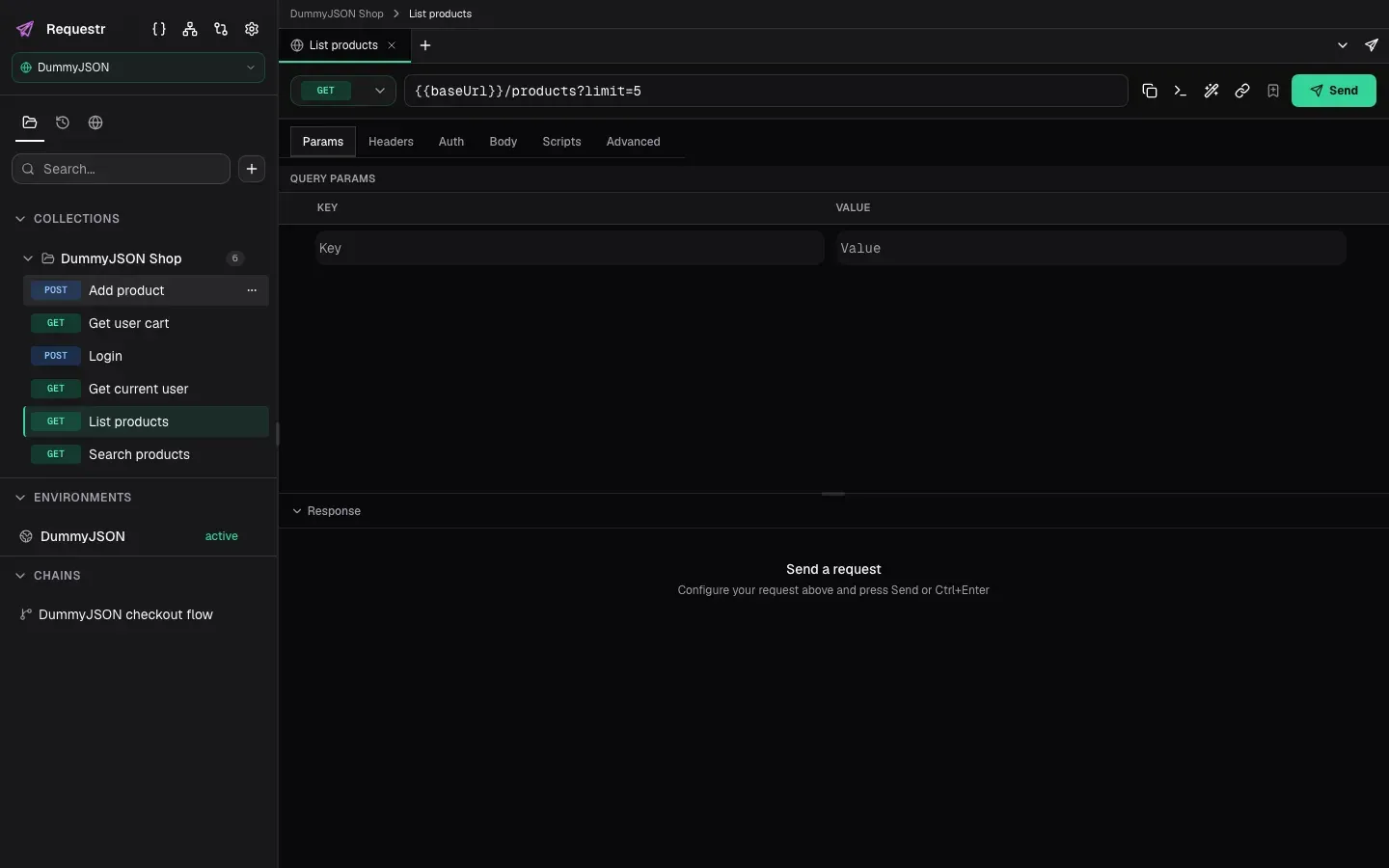
- 01Request chains that pass values forwardChain API requests in your browser. Take a value from one response, such as a token or an id, and use it in the next request without copying it by hand.
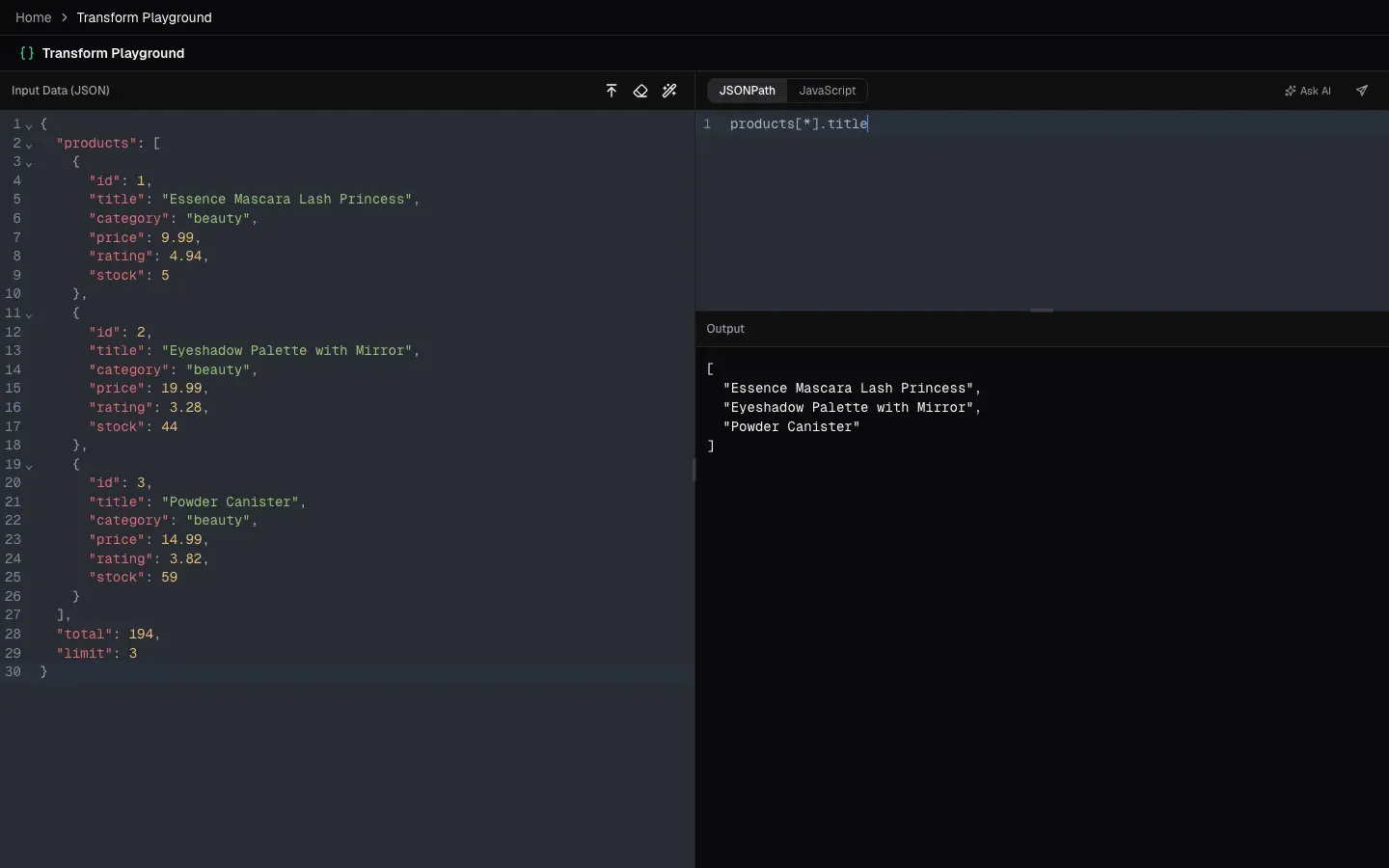
- 02Transform JSON with a live playgroundFilter and reshape JSON with JSONPath or JavaScript right in your browser. The output updates as you type, so you can shape a response before you use it.
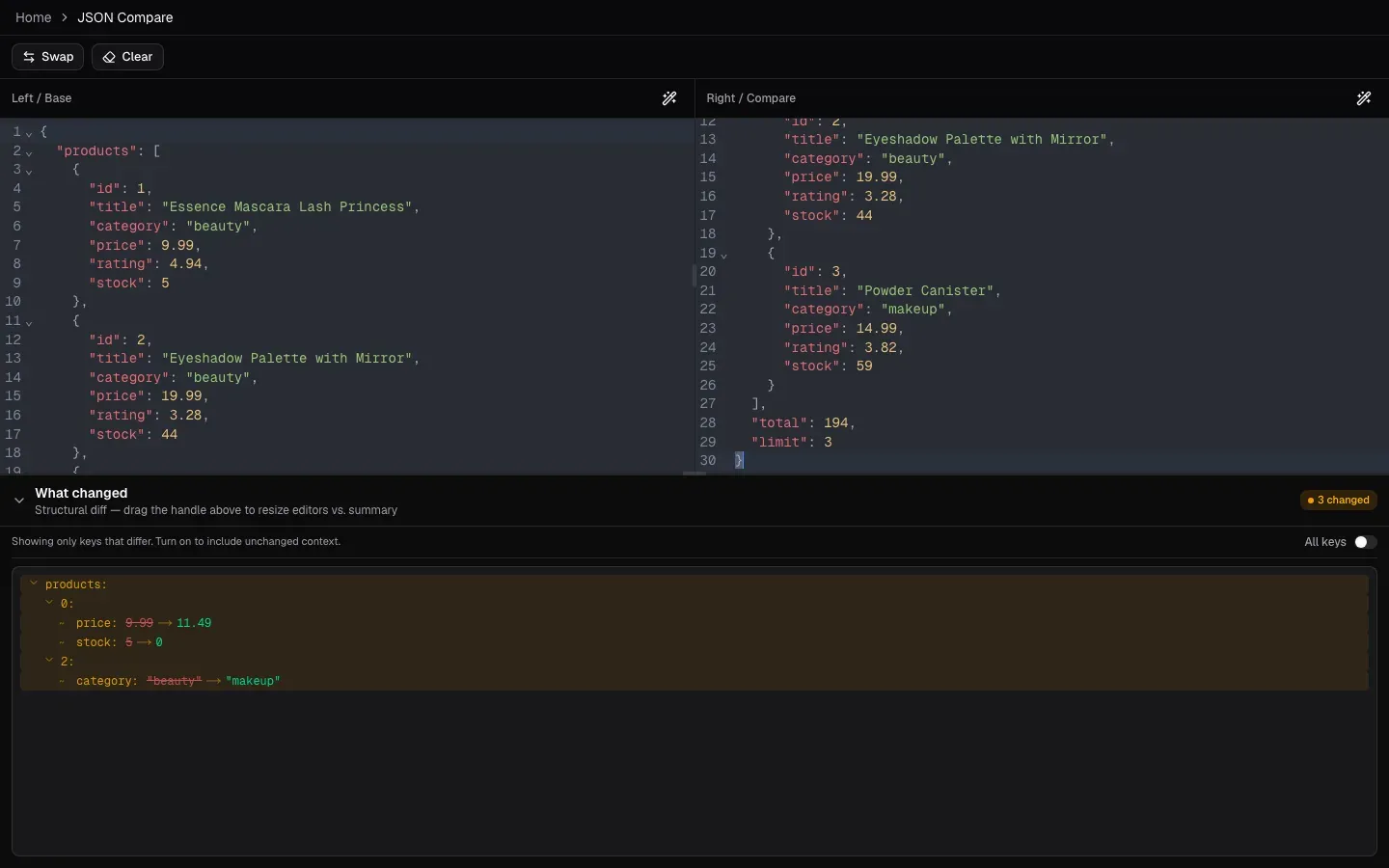
- 03Compare two JSON payloadsCompare two JSON payloads side by side and see only what changed. Catch a broken API response before your tests do. Runs in your browser with no upload.
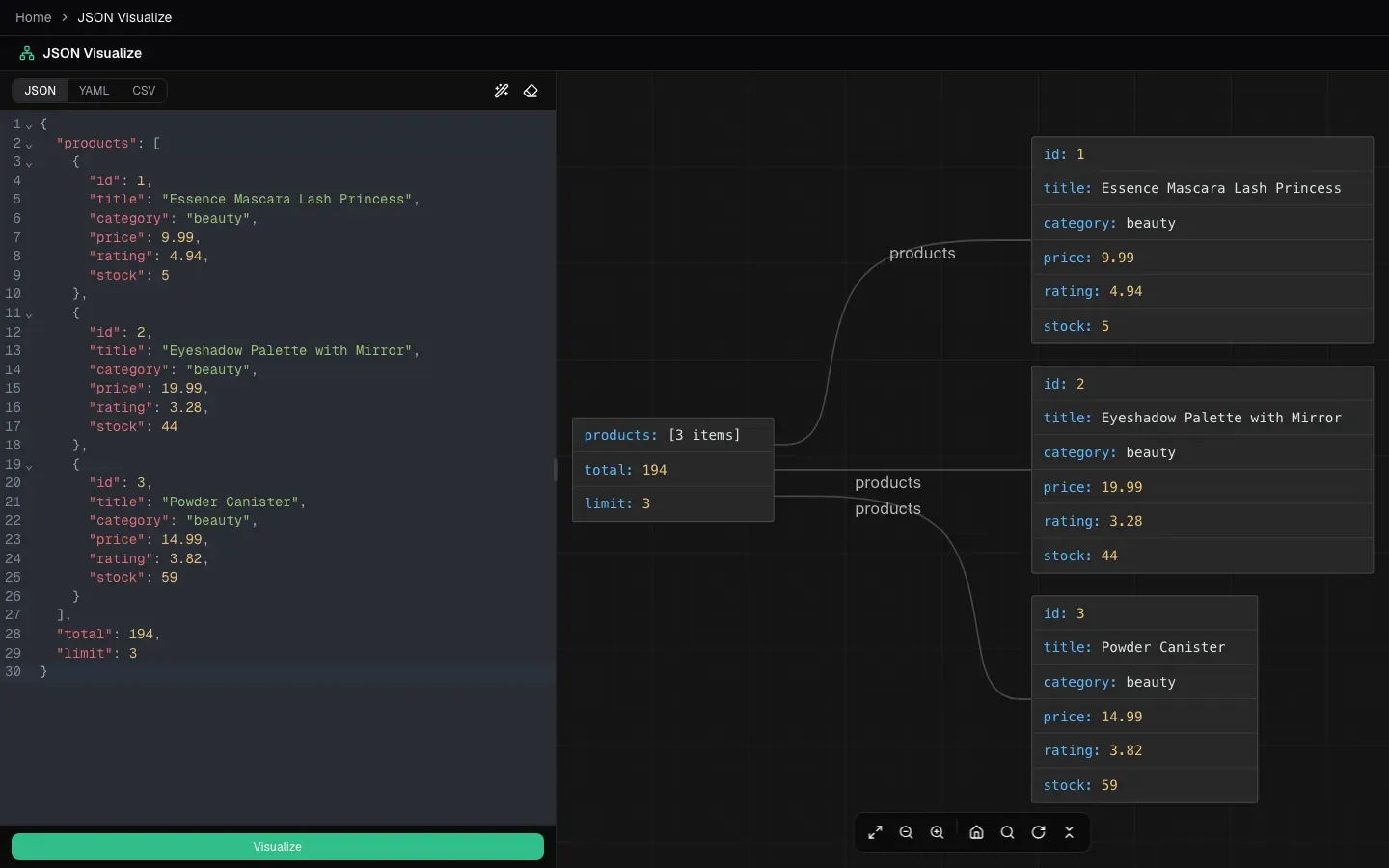
- 04Visualize JSON as you read itTurn a large JSON response into something you can read. Explore nested objects and arrays in your browser, collapse what you do not need, and spot the shape.
- 05Collections and environmentsGroup requests into collections and switch between environments such as local, staging and production with one click. Variables fill in the right values.
Compare
How Requestr stacks up
Desktop clients got slow and put basic testing behind a sign-up. Here's the honest comparison.
100% local
Requests run in your browser. Nothing is sent to our servers.
Zero setup
No download, no account. Open a tab and start sending.
Free & open
No paywalled features, no seat limits, no upsells.
| Feature | Requestr | Postman | Insomnia |
|---|---|---|---|
| Getting started | |||
| Install required | None, open a browser tab | Desktop app or web appSource | Desktop app downloadSource |
| Account required | No | Optional; signed out you get the lightweight client, sync needs an accountFree account unlocks syncSource | Optional; Scratch Pad is local-only with no login, cloud sync needs an accountFree (Scratch Pad)Source |
| Time to first request | About 10-15 s: open the URL, paste endpoint, Send. No install, no sign-up | About 2-4 min: download or web app, sign-in prompt, workspace, new requestSource | About 2-3 min: download, install, open Scratch PadSource |
| Capabilities | |||
| Protocols & real-time | HTTP, GraphQL, WebSocket, Socket.IO | HTTP, GraphQL, gRPC, MQTT, SOAP, WebSocket, Socket.IO, MCP, AI requestsAll plansSource | REST, GraphQL, gRPC, SOAP, WebSocket, Socket.IO, SSEAll plansSource |
| Request chains / workflows | Visual chain runner with per-node assertions | Flows: a visual low-code editor, plus the Collection RunnerFree has limited flow runsSource | Collection Runner with unlimited runsAll plansSource |
| AI assistant | Relay, a built-in chat assistant served by a server route | Agent Mode builds requests, flows, mocks and tests, metered in AI creditsFree has 100 AI creditsSource | Describes itself as AI-native, with MCP supportPlan split not statedSource |
| Import / export & code generation | Imports cURL, Postman, Insomnia, OpenAPI; exports Postman, HAR; 9 code languages | Imports files, cURL and URLs; exports JSON; code snippets in many languagesSource | Imports cURL, Postman, OpenAPI, HAR and WSDL; generates client codeSource |
| Cost & data | |||
| Pricing model | Free, open source (MIT) | Free plan; Solo $9/mo; Team $19/user/mo (billed annually)Source | Essentials free; Pro from $12/user/mo; Enterprise from $45/user/moSource |
| Data location | Stored in your browser only | Local in the lightweight client; cloud sync with an accountSource | Local by default; Git Sync built inSource |
| Collaboration & teams | Single user and local; sharing is by request link | Shared workspaces; Team adds basic role-based accessFree syncs; Team for rolesSource | Git Sync free for 3 users; Pro adds unlimited users and RBACFree up to 3 usersSource |
| Offline use / open source | Open source (MIT); data stays in browser storage | Desktop Local View works offline; signed out you get the lightweight clientSource | Scratch Pad is local-only with no login; Apache-2.0 open sourceSource |
Based on each vendor's public docs and pricing, last checked Nov 2026. Plans change, so check their sites for the latest.
Open a tab. Ask Relay.
No account, nothing to install. Your requests stay in this browser.
Free, open source, no sign-up.