Command palette
A command palette for everything in the app
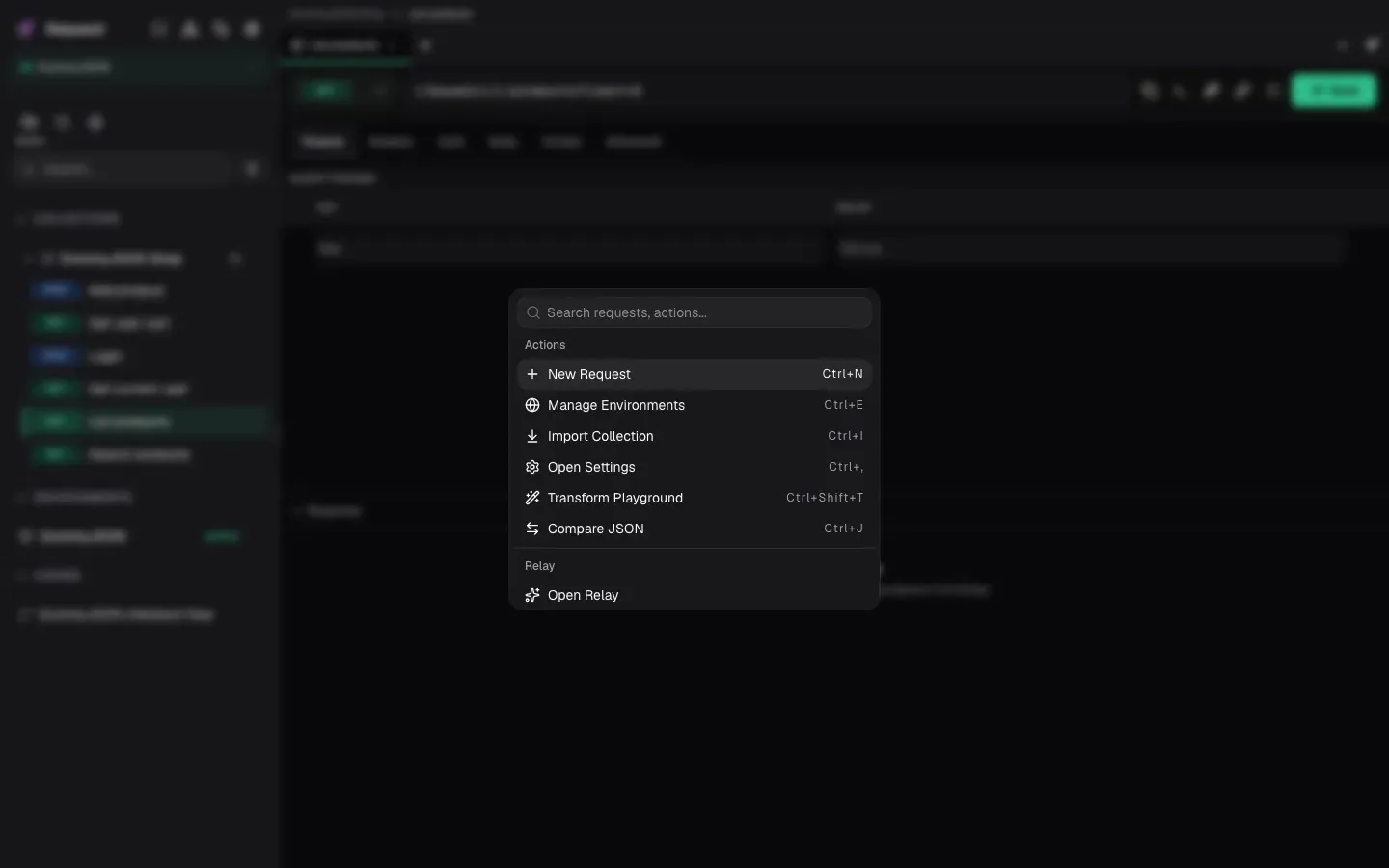
The command palette opens with a single shortcut and searches your requests, collections, environments and actions together.
Live demo
Do anything from one keystroke.
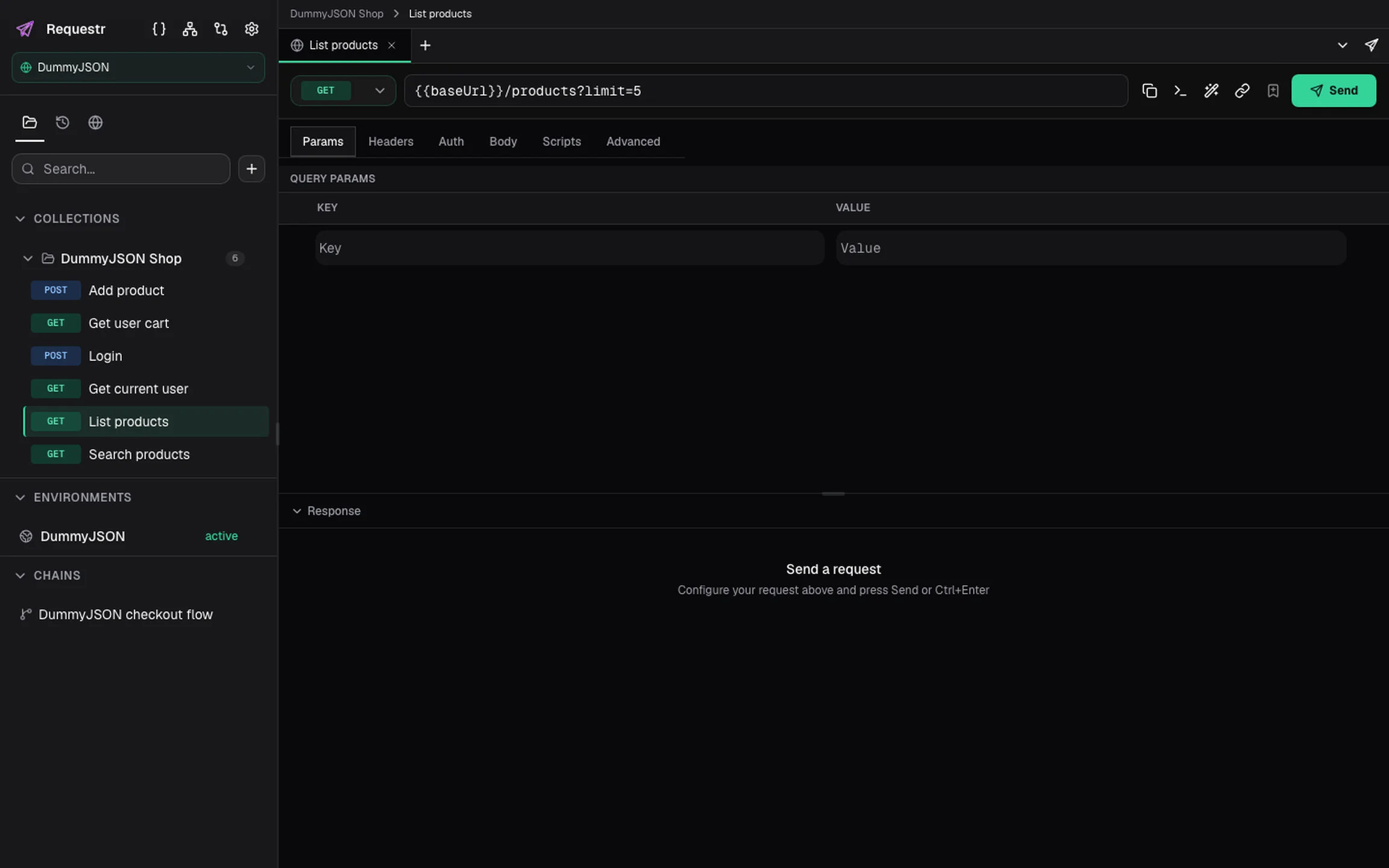
A screen recording of the palette: typing to open a request, create a new one and open the Transform Playground.
⌘K · command palette
Recorded in the app.
In the app
Type a few letters, press Enter and you are there. It is the fastest way to move around once you have many requests.
Because it covers actions as well as items, you can do most things without touching the mouse.
How it works
From first click to result.
- 01
Press ⌘K
Ctrl K everywhere other than macOS. The palette opens wherever you are in the app.
- 02
Type a few letters
Requests, recent history and the app's actions are filtered together in one list.
- 03
Press Enter
The request opens in a tab, or the action runs. Your hands never leave the keyboard.
Capabilities
The details that matter.
open: request
Jump to a request
Type part of its name and press Enter. It opens in a tab.
run: action
Run an action
New Request, Import Collection, Manage Environments, Open Settings, Transform Playground and Compare JSON.
reopen: history
Reopen something recent
Your latest history entries are in the same list.
Keep your hands on the keyboard.
Open the app and press ⌘K.
Free, open source, no sign-up.